
Which payment gateway works in my country?
Bake Boost doesn't limit you — the provider does
Bake Boost lets you connect Stripe or Square, then passes payments straight to whichever you chose. It doesn't add any country restrictions of its own. Whether you can use a gateway is decided entirely by Stripe or Square, based on where your business is registered and what currency you take.
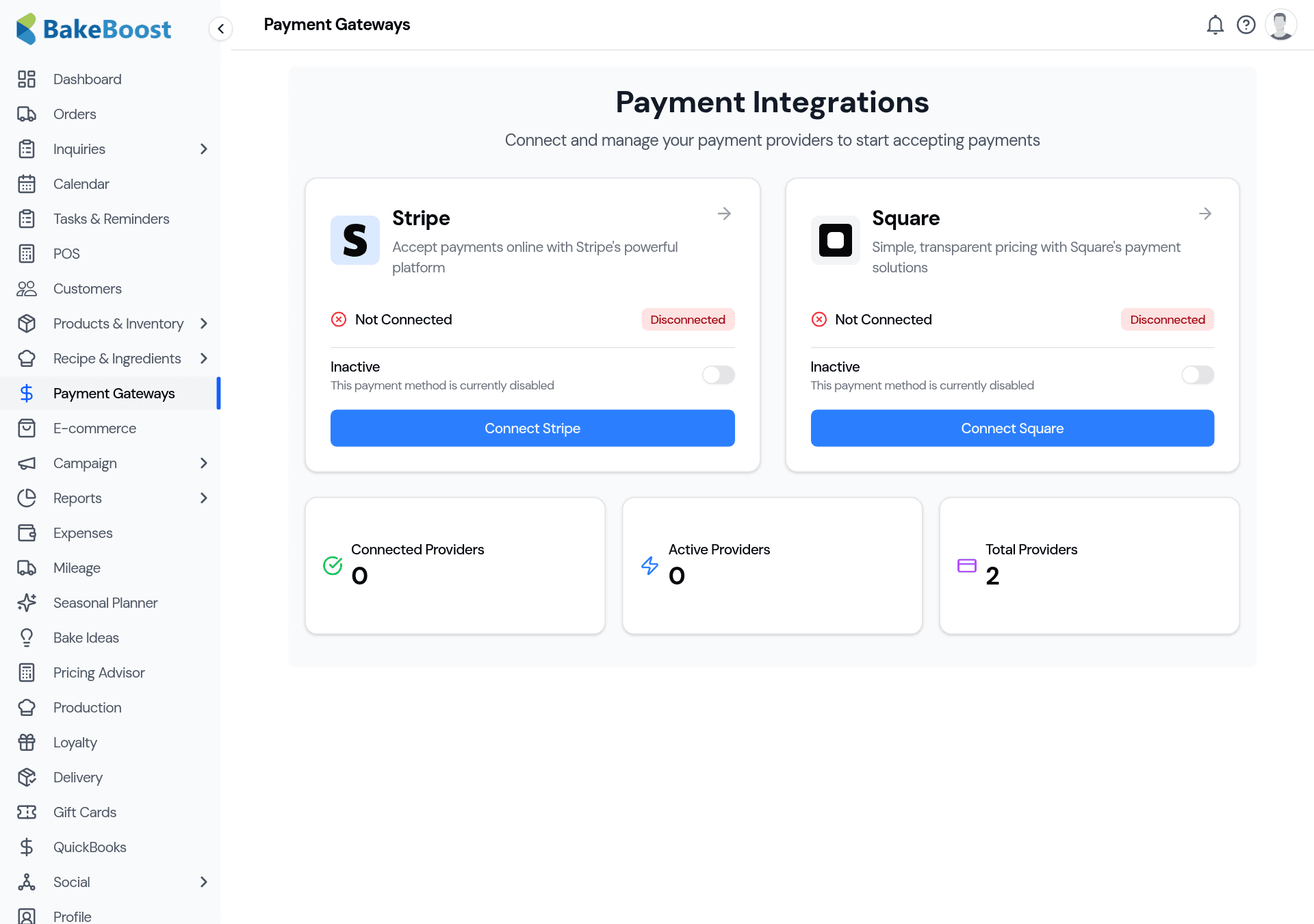
That means: if your country or currency isn't supported by the gateway you pick, the connection won't complete, or payments will fail at checkout — often with a generic "invalid payment request" message that doesn't spell out the real reason. It isn't a Bake Boost fault; it's the gateway declining a currency or region it doesn't serve.
Stripe vs Square, at a glance
| Stripe | Square | |
|---|---|---|
| Reach | Wide — 40+ countries across the Americas, Europe, Asia-Pacific and the Middle East | Narrower — a shorter list of countries |
| Available in (examples) | US, Canada, UK, most of the EU, Australia, Singapore, UAE and many more | US, Canada, UK, Ireland, Australia, Japan, France, Spain |
| Best when | You're outside Square's list, or want the broadest currency support | You already use Square in-store and want one account for both |
How to choose
- Already using one? If you already take payments with Stripe or Square in your business, connect that same account — it's the simplest path and your money lands where it already does.
- Starting fresh? Check which of the two supports your country and your currency. In much of the world only Stripe is available; if you're in a Square country and prefer it, Square works too.
- In a country Square doesn't cover? Use Stripe. For example, Square isn't available in Mexico, so a Mexico-based bakery should connect Stripe rather than Square — connecting Square there will lead to failed payment links.
- Neither supports your country yet? You won't be able to take online card payments through Bake Boost for now — but you can still record cash, bank-transfer or manual card payments against each order, and send invoices as normal.
If a payment link keeps failing
- Confirm the gateway is actually available in your country (step above).
- Check your store currency (Settings) is one the gateway supports — a mismatch between your currency and the gateway is a common cause of a rejected payment.
- Make sure the gateway is connected and switched on — see Connecting a payment gateway.
- If it's supported and still failing, the message usually comes from the provider — check your Stripe or Square dashboard for the declined-payment reason.
Good to know
- Two choices: Stripe or Square. Connect whichever serves your country.
- Stripe reaches more countries; Square covers a shorter list but is handy if you already use it in-store.
- Availability is the provider's call, not Bake Boost's — a failed connect or payment usually means the gateway doesn't serve your country or currency.
- Check the current country lists at stripe.com/global and squareup.com before you commit.
- No supported gateway? You can still invoice and record manual payments.
Related questions
- Does Bakeboost work with Stripe or Square?
- Both. You can connect Stripe or Square to take card payments online — connect whichever is available in your country and supports your currency.
- Why does my payment link say “invalid payment”?
- Usually the gateway you connected isn't available for your country or currency. Check your store currency and that the provider serves your region — for example Square isn't available in Mexico, so use Stripe there.
- Which is better for me — Stripe or Square?
- Stripe reaches more countries; Square is handy if you already use it in-store. If only one of them supports your country, that's your answer.
Last updated August 4, 2026