
Managing your customers
1. The customer list
Open Customers in the sidebar. Everyone you've worked with is here, with their category, contact number and status.
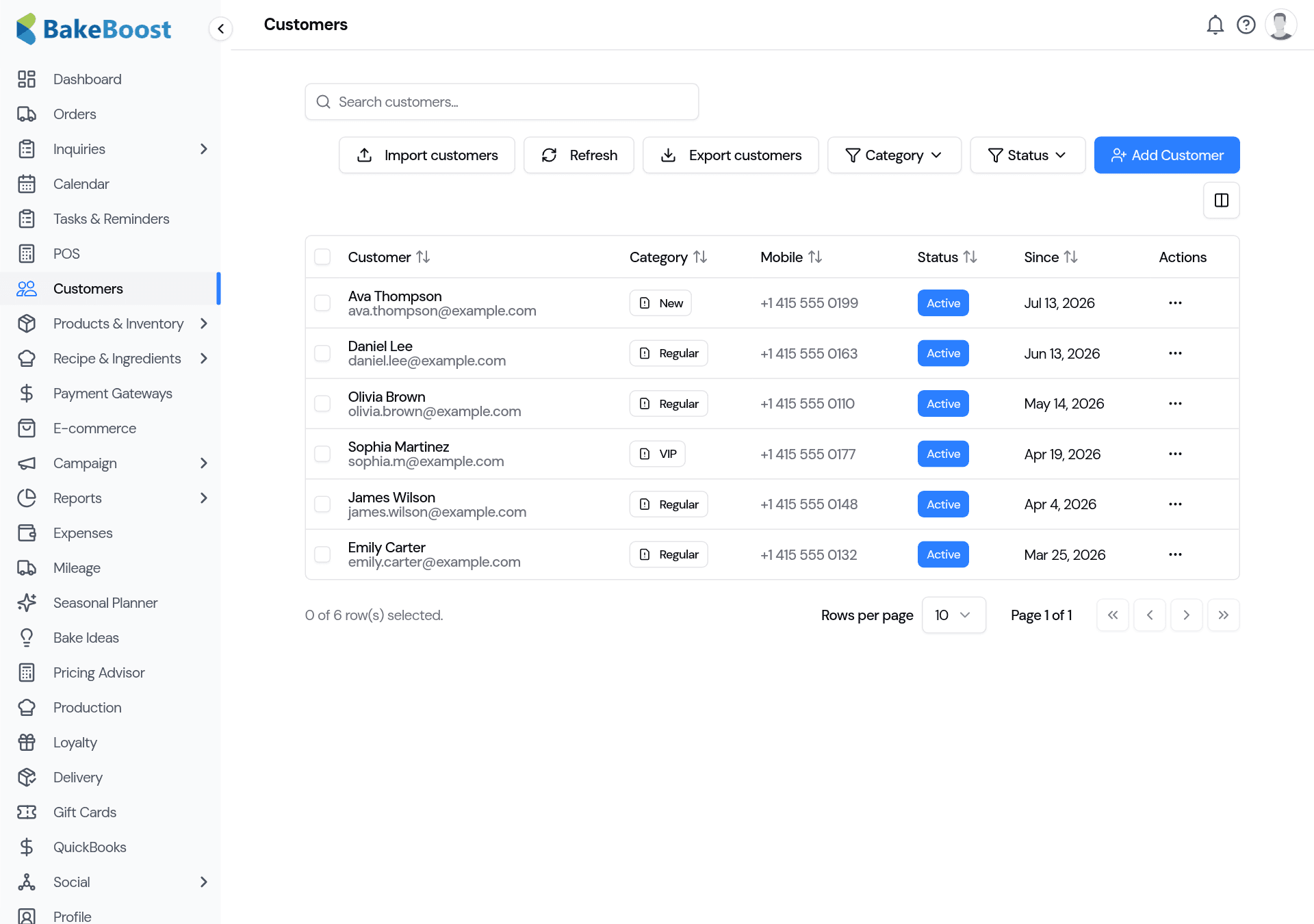
- Search by name or email, or filter by category or status.
- Add Customer to create one, or Import to bring your whole list in from a spreadsheet or another tool. (Coming from Bake Diary? See Import from Bake Diary.)
- Export the list any time for your records.
2. What a customer record holds
Open a customer to see and edit everything about them:
- Contact details — name, email, phone.
- Addresses — separate delivery and billing addresses, filled in automatically on their next order.
- Category — tag them as Regular, VIP, Wholesale or your own labels, so you can find and filter groups.
- Notes — allergy reminders, favourite flavours, the kids' names — anything that helps you give a personal touch.
- Special dates — birthdays and anniversaries you can plan around.
3. Their history, in one place
Each customer keeps a running record of their orders, quotes and payments, so you can see what they've bought before and what they still owe. It makes re-ordering a two-minute job and gives you the context to look after your best customers.
Good to know
- Every order attaches to a customer. A tidy list means faster quotes, correct deliveries and accurate history.
- Add on the fly. New customers can be created straight from the order form.
- Categories and notes earn their keep. Tag VIPs, record allergies and preferences, and filter to find groups fast.
- History lives with the customer. Orders, quotes and payments are all on their record.
- Insights and loyalty build on it. The more complete your customer data, the more those features can do.
Last updated July 24, 2026