
Your business profile and settings
1. Your business profile
Open Profile from the sidebar. This is your bakery's identity — the details that appear on invoices, receipts, quotes and your storefront.
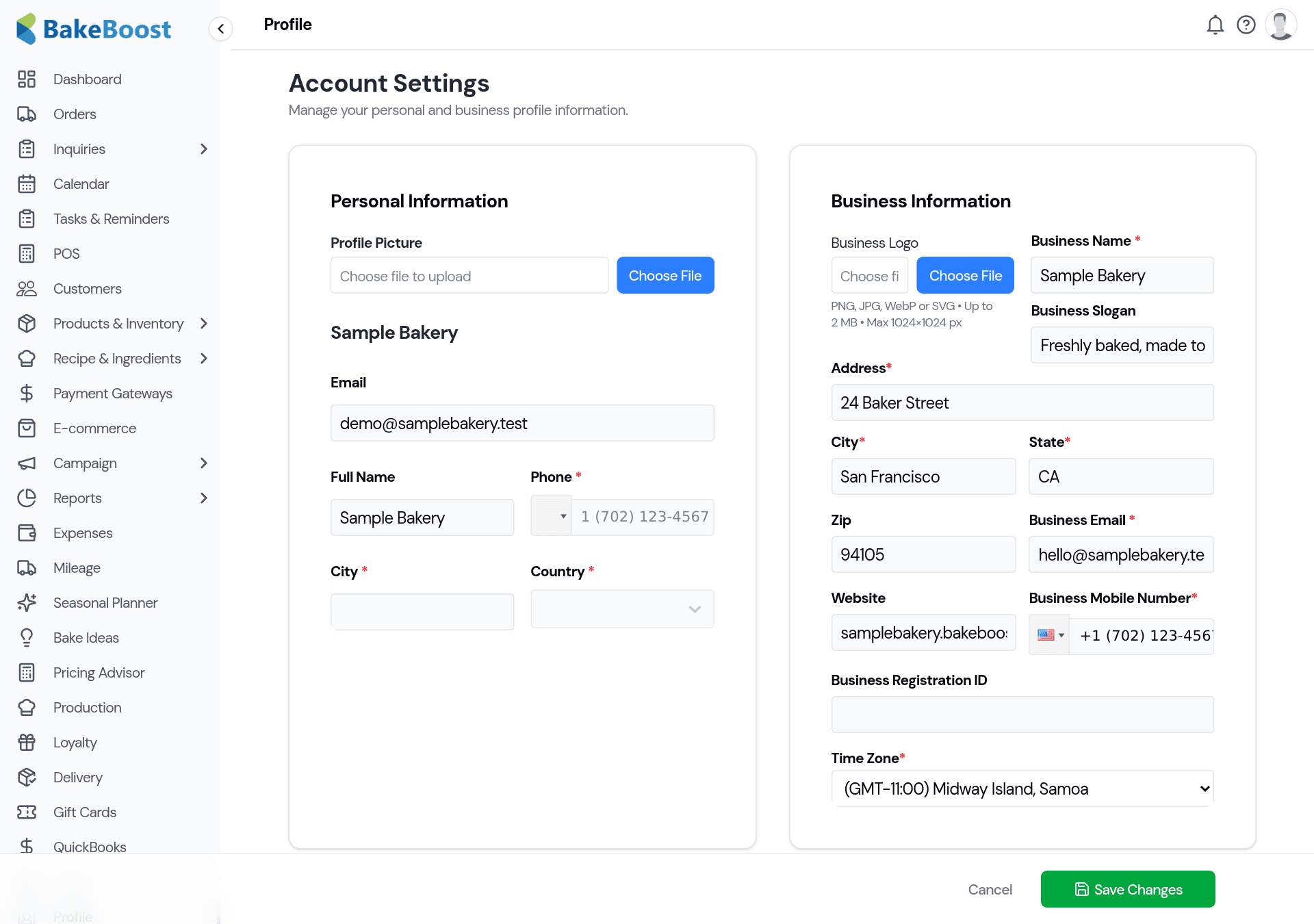
Fill in your business name, logo, address, contact details and time zone. These flow straight onto your customer-facing documents, so a customer's invoice carries your brand — not a blank. The time zone matters too: it keeps order and delivery times correct.
2. Settings
Open Settings for how Bake Boost works. The settings are grouped into tabs so related options sit together.
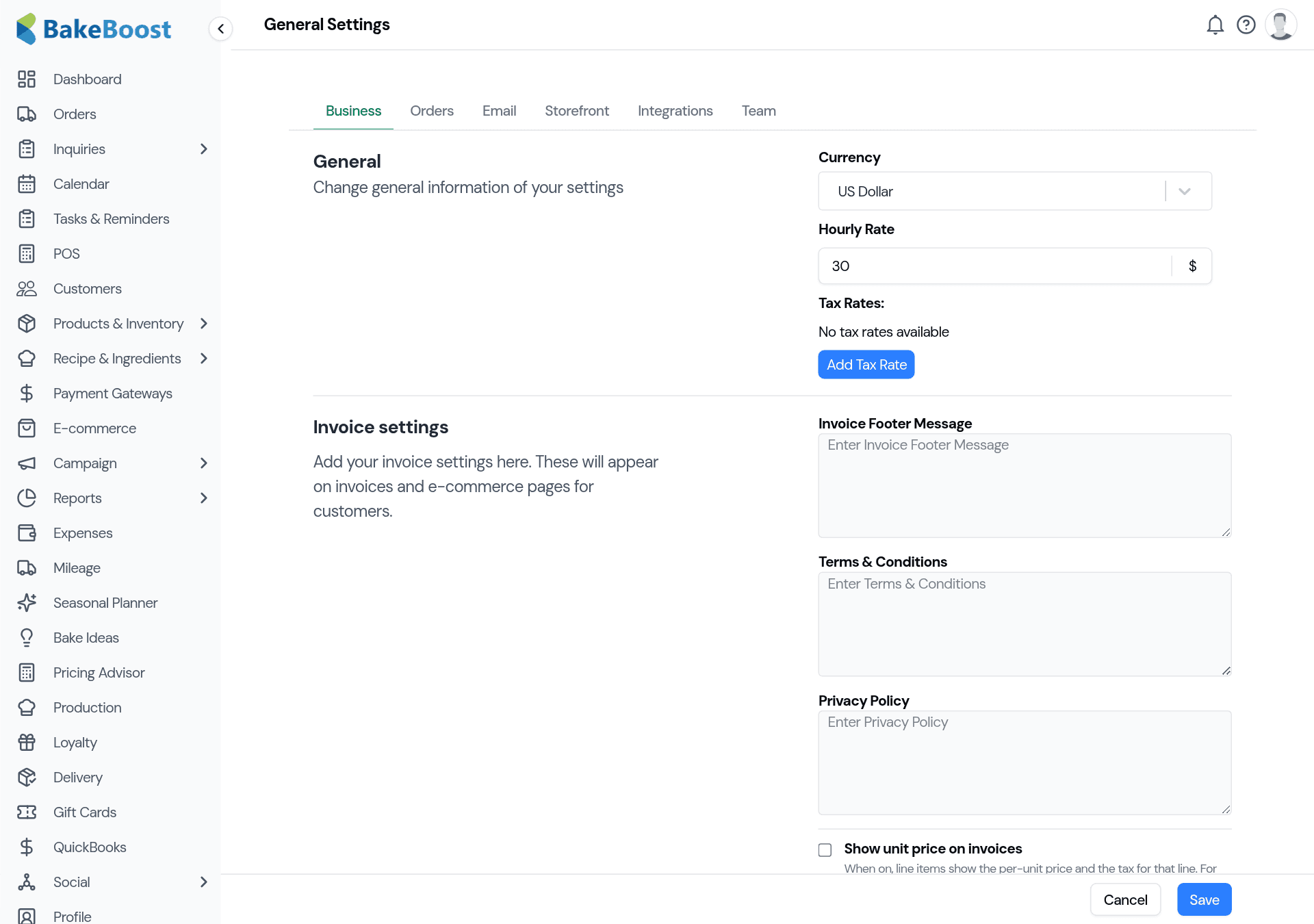
- Business — your currency, hourly rate (used in recipe and product costing), tax rates, and the invoice footer, terms and privacy text shown to customers.
- Orders — defaults and options for how orders and quotes behave.
- Email — your sending details so confirmations and invoices come from you, with a reply-to customers can actually reach.
- Storefront — options for your online store (see Setting up your online store).
- Integrations — connect the outside tools you use, like QuickBooks Online.
- Team — invite staff and manage what they can do (on the plans that include team accounts).
Make your changes and click Save. Everything stays mounted as you move between tabs, so you can set several things and save once.
Good to know
- Profile is your brand; Settings is your behaviour. One is what customers see, the other is how Bake Boost runs.
- Set currency, tax and hourly rate early. They feed pricing, invoices and costing everywhere.
- Your details appear on customer documents. A complete profile means professional invoices, receipts and quotes.
- Settings are grouped into tabs. Change several, then Save once.
- Time zone keeps times right. Order and delivery times depend on it.
Last updated July 24, 2026